How to use USB GPIO modules with Multi Room Audio Player

Now you can directly control our Multi Room Audio Player with your hardware without any intermediate computers\software units. We’ve added support for Numato 8 Channel USB GPIO Module (With Analog Inputs). You can buy it here for $19.95 only. You’ll get 8 TTL compatible GPIOs and 6 Analog input channels (Multiplexed with GPIOs). Read more about GPIO (General-purpose input/output)
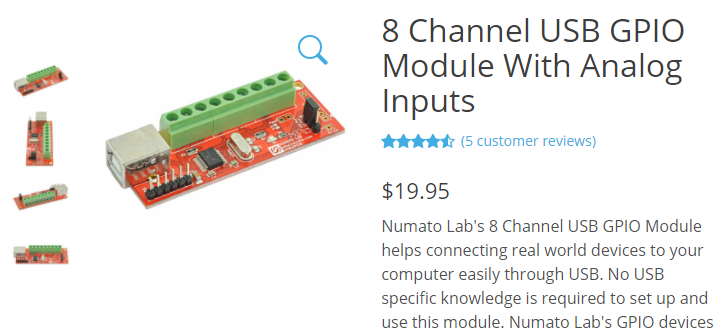
USB GPIO module

Read More …

How to change or clear keyboards shortcuts from player

In previous post we talked about how to assign hot keys. And now a short tutorial about How to remove them. Please go to Tools – Settings, Hot Keys tab. If you want to change some keyboard shortcuts, put cursor to the textbox and press new combination. If you want to remove hotkey, simply select appropriate action textbox and press Backspace key on your keyboard.

Clear all shortcuts from player

Read More …

How to assign and use hot keys

Please start Multi Room Audio Player and go to Tools – Settings and select the Hot Keys tab.

Settings - Hot Keys

Here you can assign keyboard short cuts to some player’s actions – Play, Pause, Stop, Prev, Next. From Player drop-down box choose an appropriate player. Read More …