Multi Room Audio Player is now Multi Zone Audio Player (MZAP 7), rebuilt as 64-bit with full ASIO and Audinate Dante support. Today it gets a companion for your phone and tablet: MZAP Remote for Android is out on Google Play, and it is free.
Walk the floor and adjust the sound where you are: turn the bar down, skip a track in the lobby, fire a jingle on the terrace, without going back to the PC.
What you can do
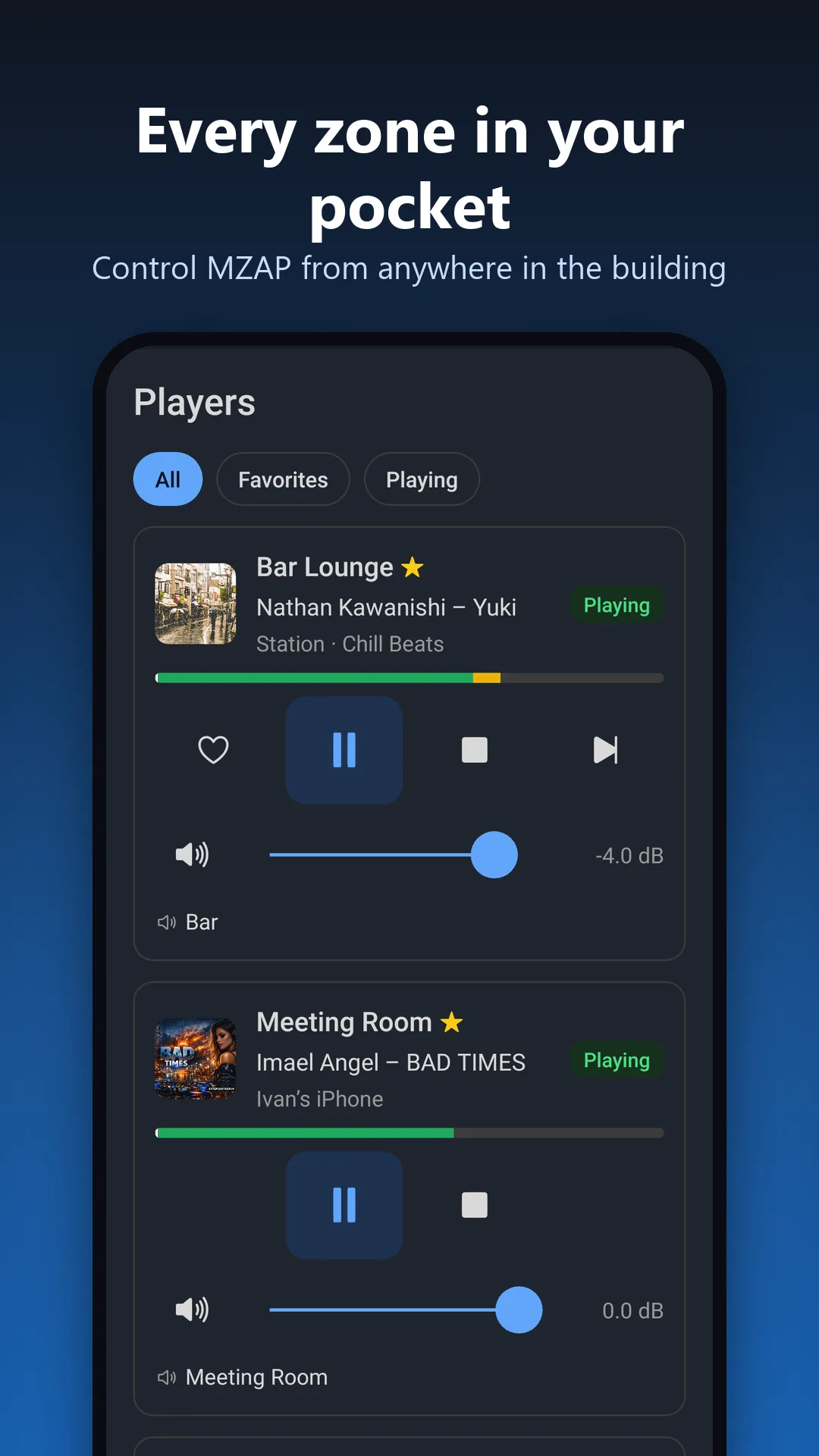
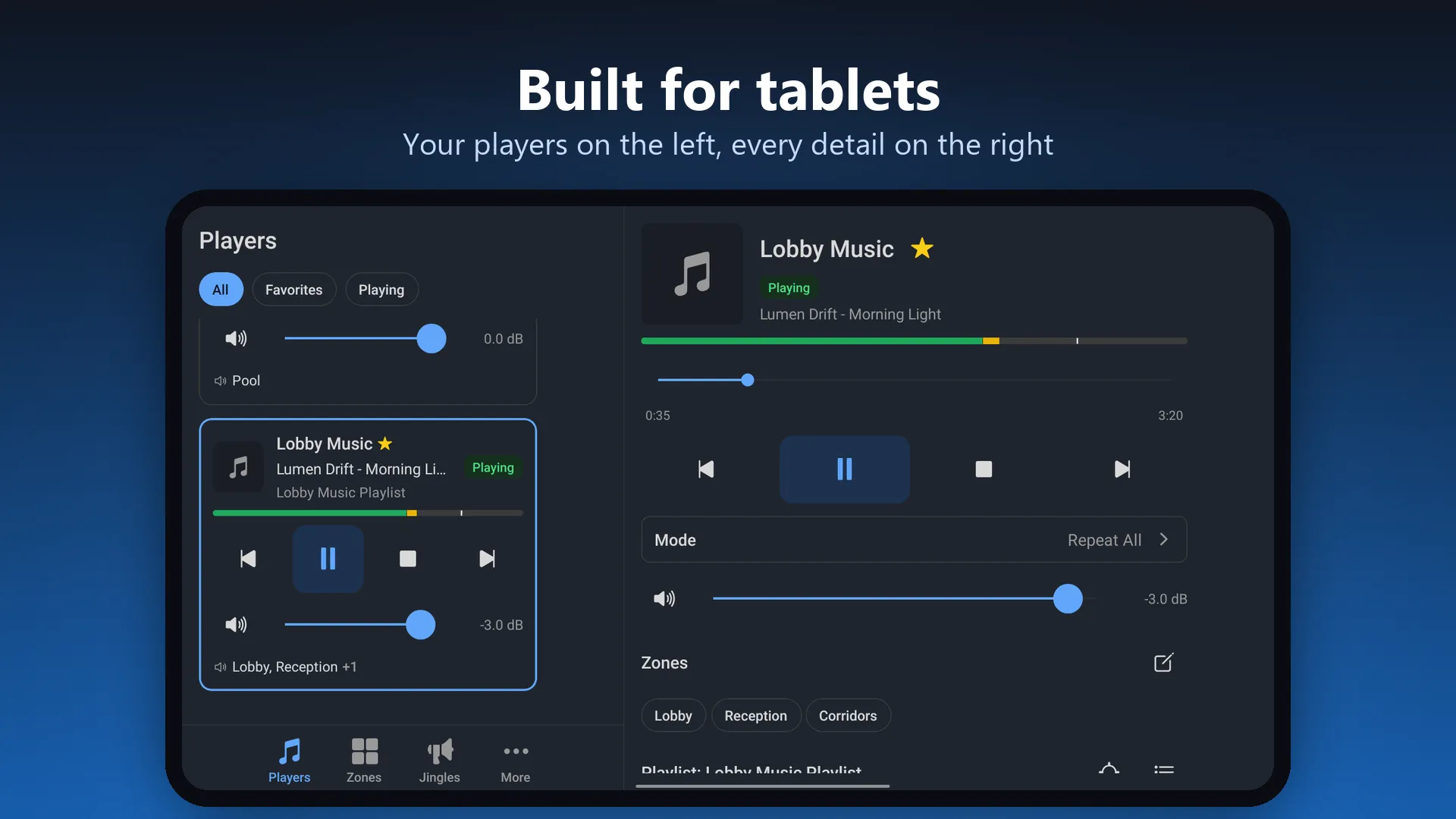
- Players: play, pause, stop and skip; volume and mute with a dB readout; switch playlists, jump to any track, change the playback mode, and choose which zones each player feeds.
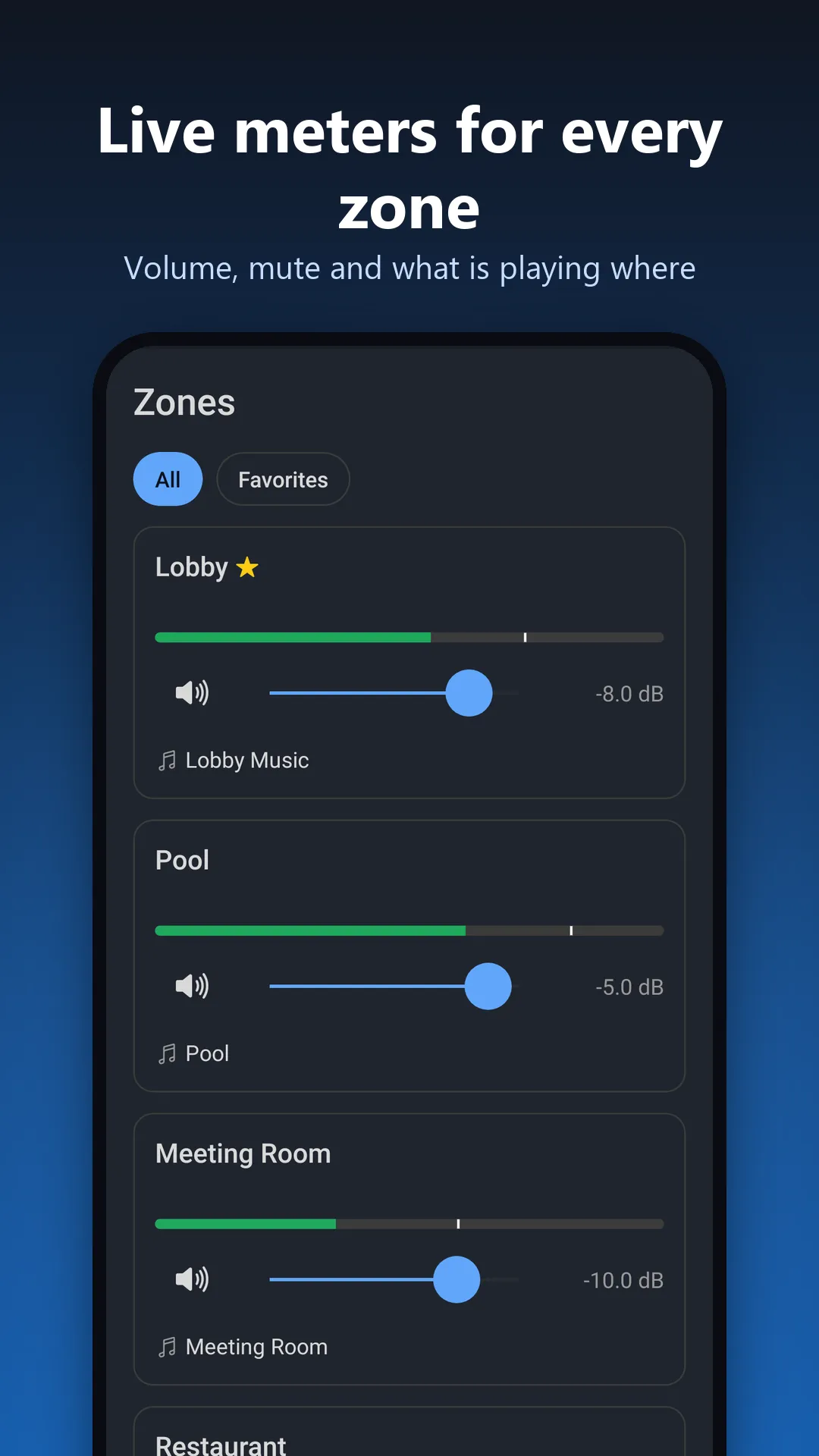
- Zones: a live level meter for every zone, with zone volume and mute.
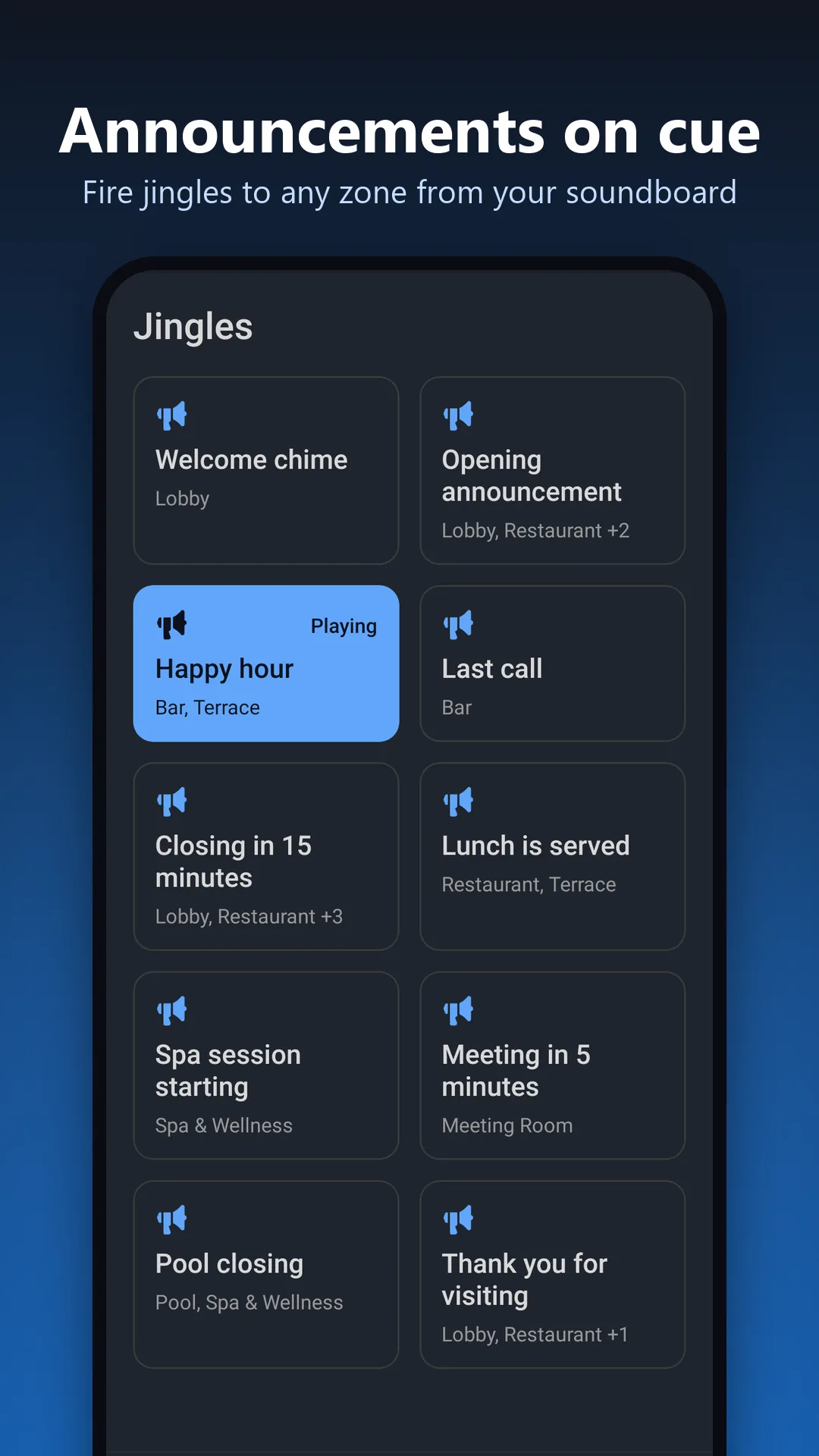
- Jingles: a soundboard of your jingles. Tap to play, tap again to stop.
- Every source: playlists, SoundMachine, AirPlay, live inputs and internet radio, with cover art and track position.
- Safe for staff: each phone pairs as a Multi Room Audio Player user and gets exactly that user’s role, players and zones. You can revoke a phone from the PC at any time.
On a tablet in landscape, the list sits on the left and the details on the right. That makes it a good wall- or desk-mounted control panel.
Getting connected
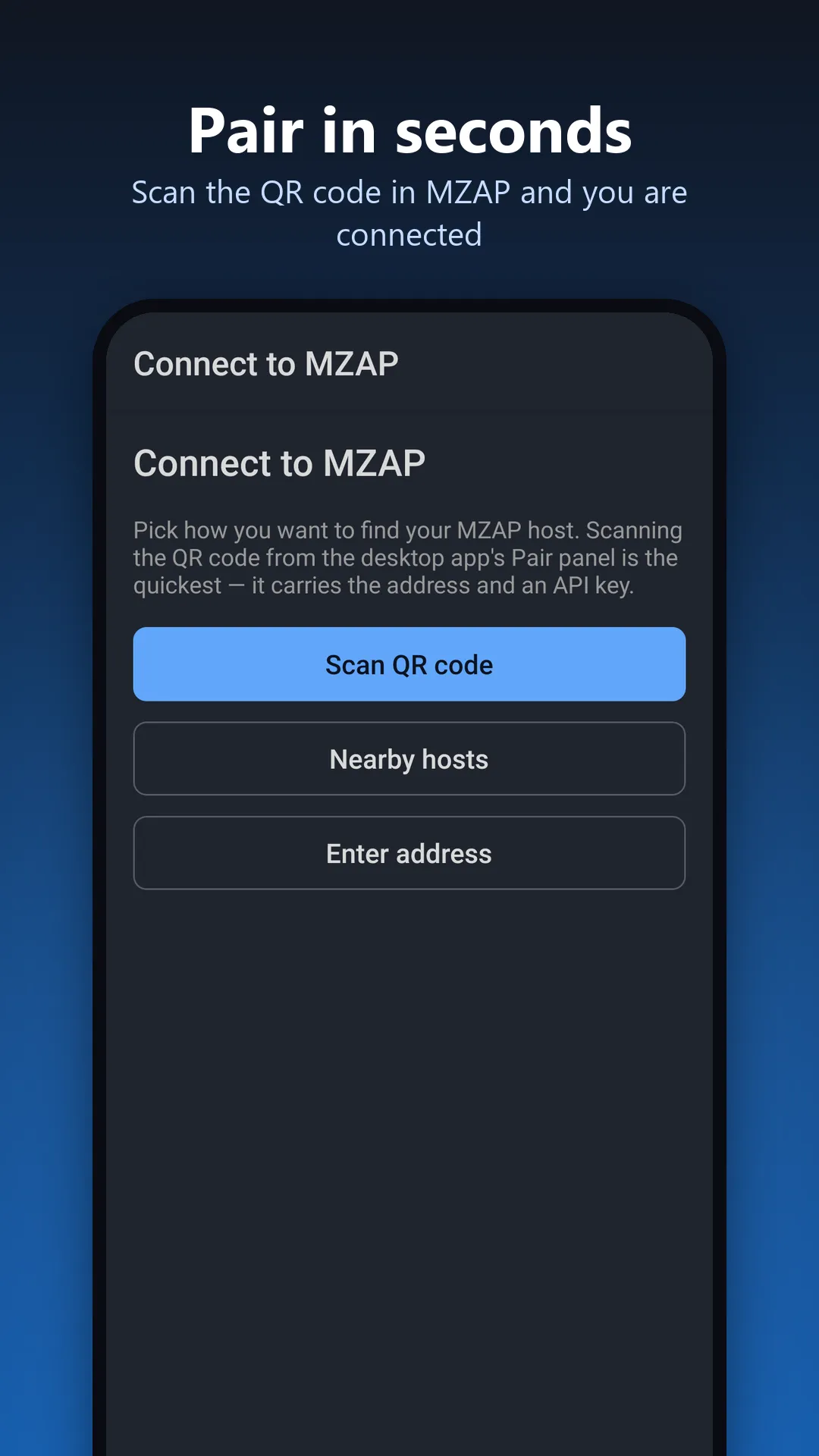
Turn on network access in Multi Room Audio Player’s settings. Then, on a phone on the same Wi-Fi network, scan the pairing QR code shown in the desktop app, pick your PC from the hosts found on the network, or enter its address. The app talks only to your own computer: no cloud account, no ads, no tracking. The privacy policy has the details.
What you need
- The latest version of Multi Room Audio Player 7. Older versions are not supported. Download it here, or update from inside the app.
- An Android phone or tablet on the same local network as the computer.
Want to manage Multi Room Audio Player over the internet? You can open its web interface from any browser through a secure tunnel. See Control MZAP from anywhere with Cloudflare Tunnel or ngrok.
An iPhone version is coming soon.