Equipment used for testing:
1. Pistonsoft Multi Room Audio Player -Trial Version
2. Audinate Dante Virtual Soundcard – Ver 3.7.4.3
3. Audinate Dante Controller – Ver 3.6.2.4
4. PC running Window 7 64bit – for above softwares’
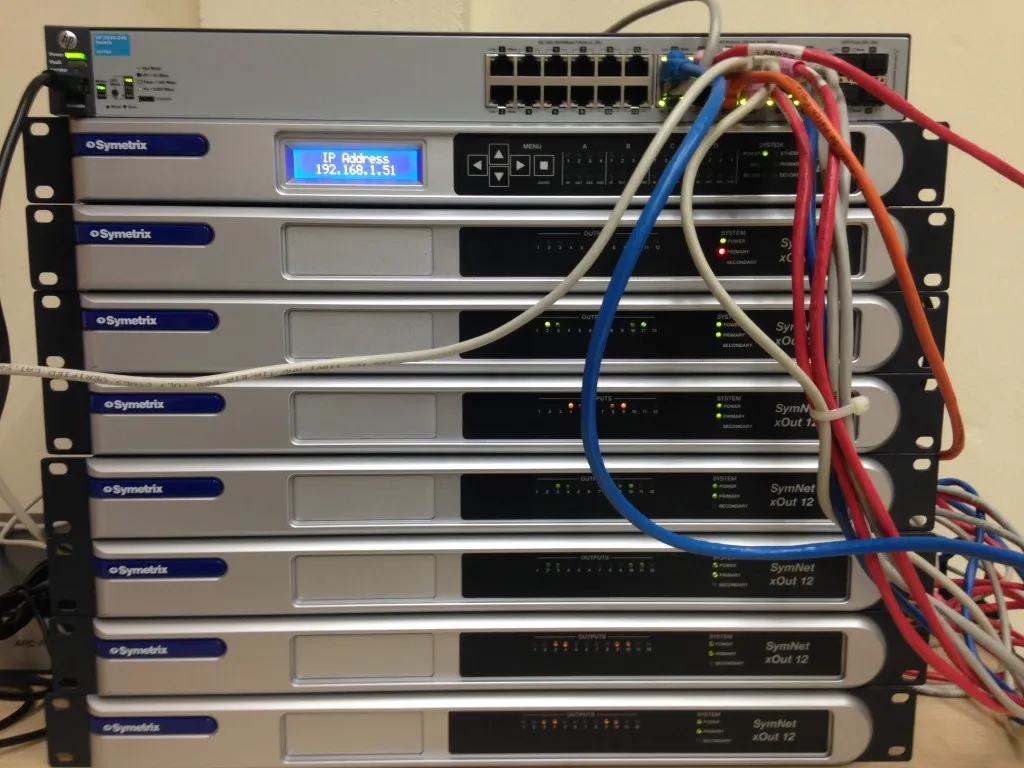
5. Symetrix Edge Frame ( 64×64 Dante)
6. Symetrix Xout 12 (Audio Breakout Box)
7. Symetrix Composer 4.1 – Running on another PC
8. HP 2530-24G Gigabit Manageable Network Switch ( Vlan for Dante)
9. Kramer Self Powered Speaker
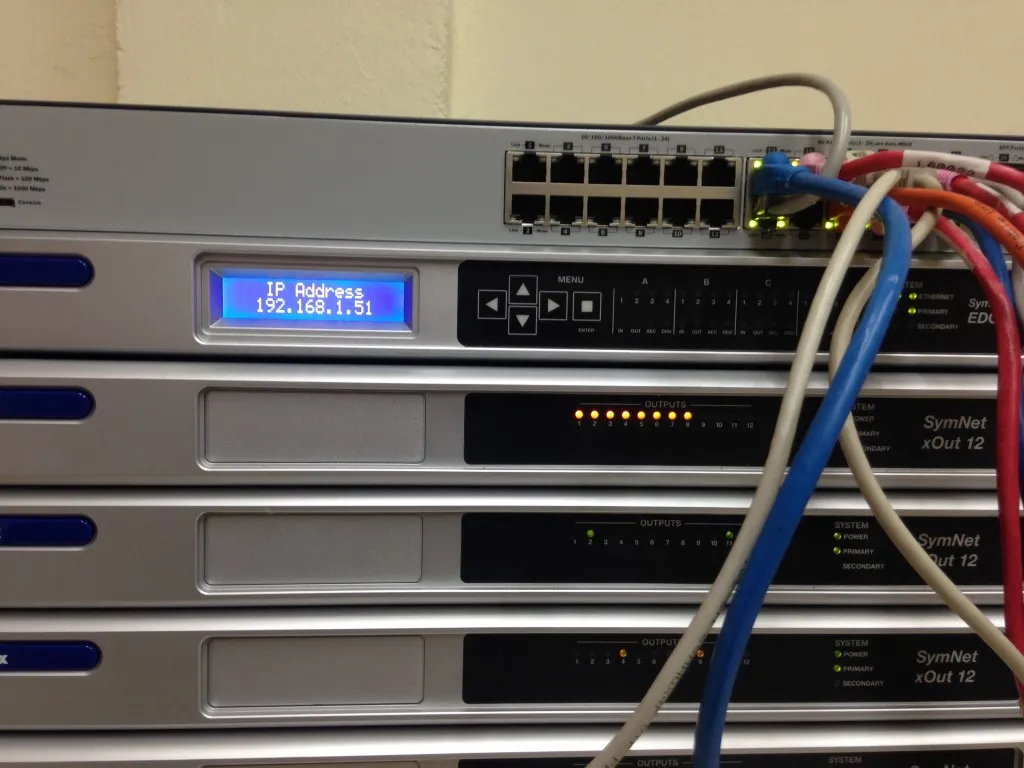
Symetrix Rig
Report:
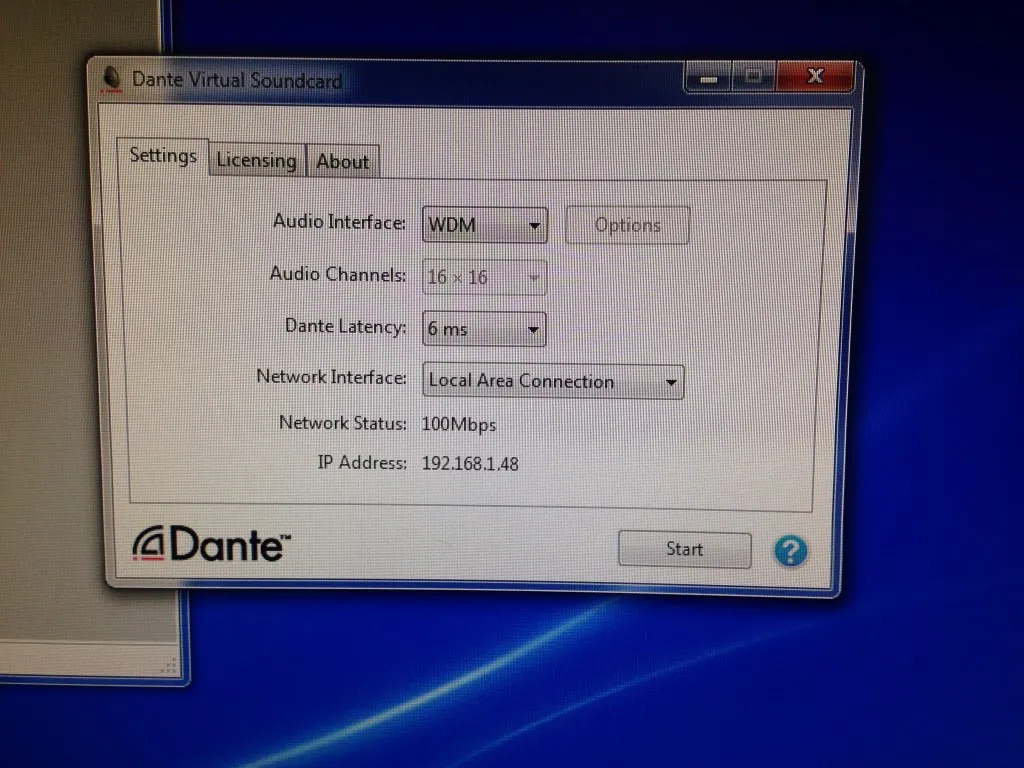
Launched Dante Virtual Soundcard (DANTE – Digital Audio Network Through Ethernet)
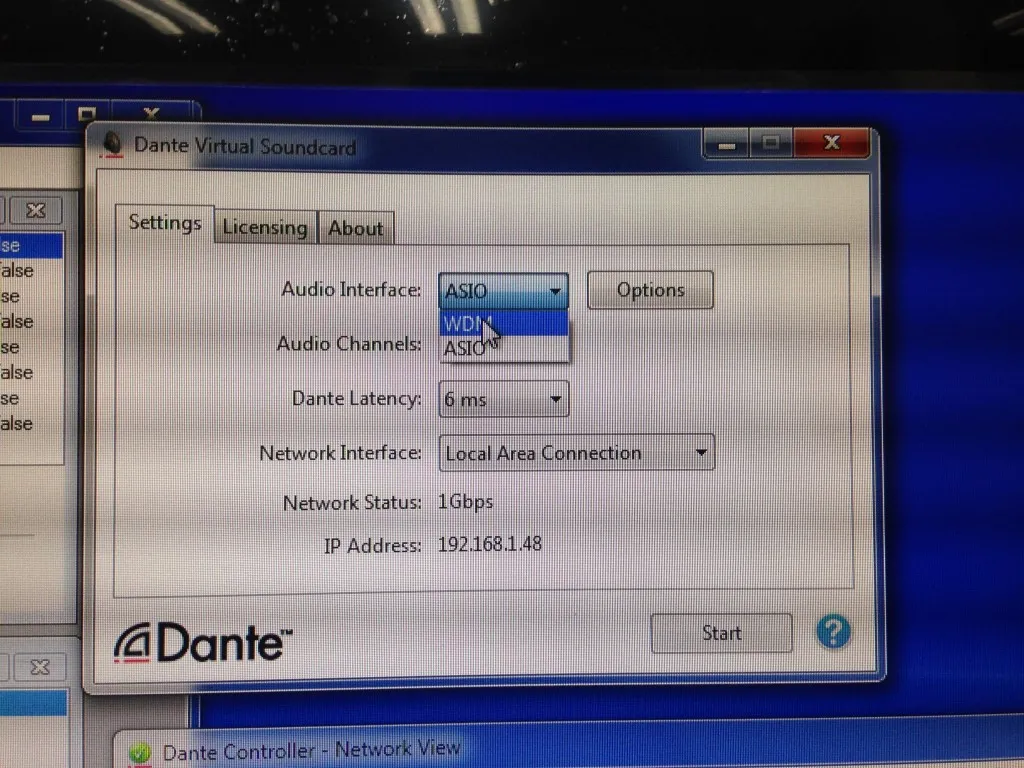
Audio Interface set to WDM
Audio Channels: Not selectable – default to 16×16
Fig A:
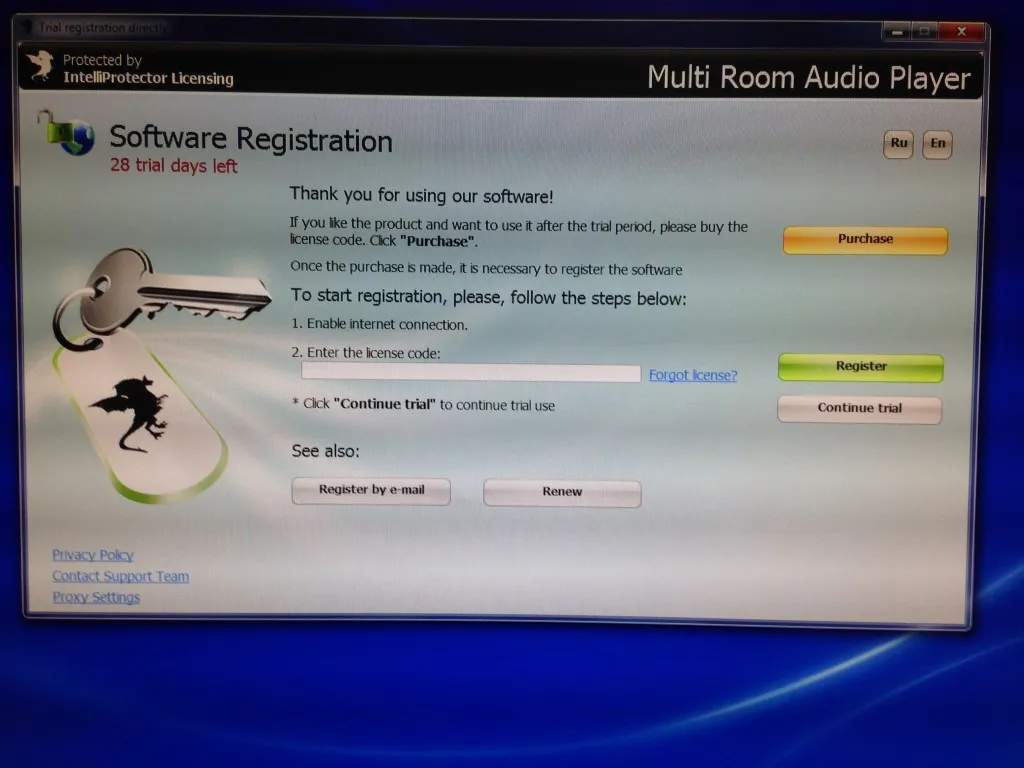
Launched Multi Room Audio Player
Fig B:
Under Zone file menu, created new zone,
Name labeled:
Zone 1
under Device dropdown menu, selected:
DVS Transmit 1-2 ( Dante Virtual Card…)
under Channel dropdown menu, selected :
SPEAKER_PAIR1_LEFT
Fig C:
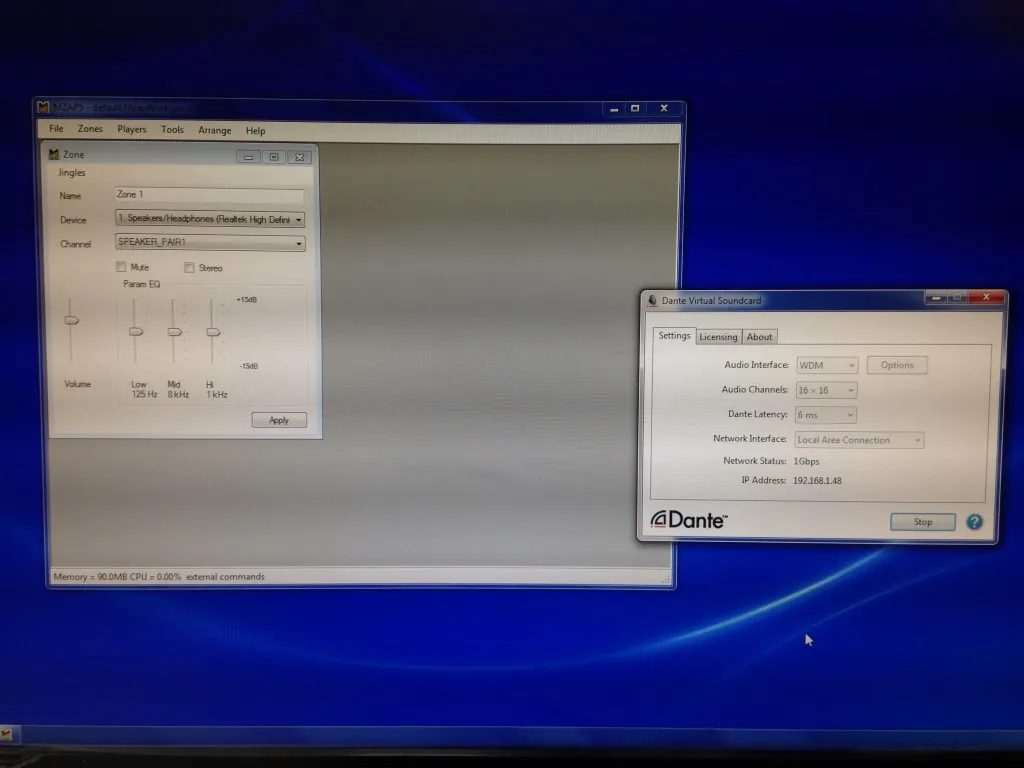
Fig D:
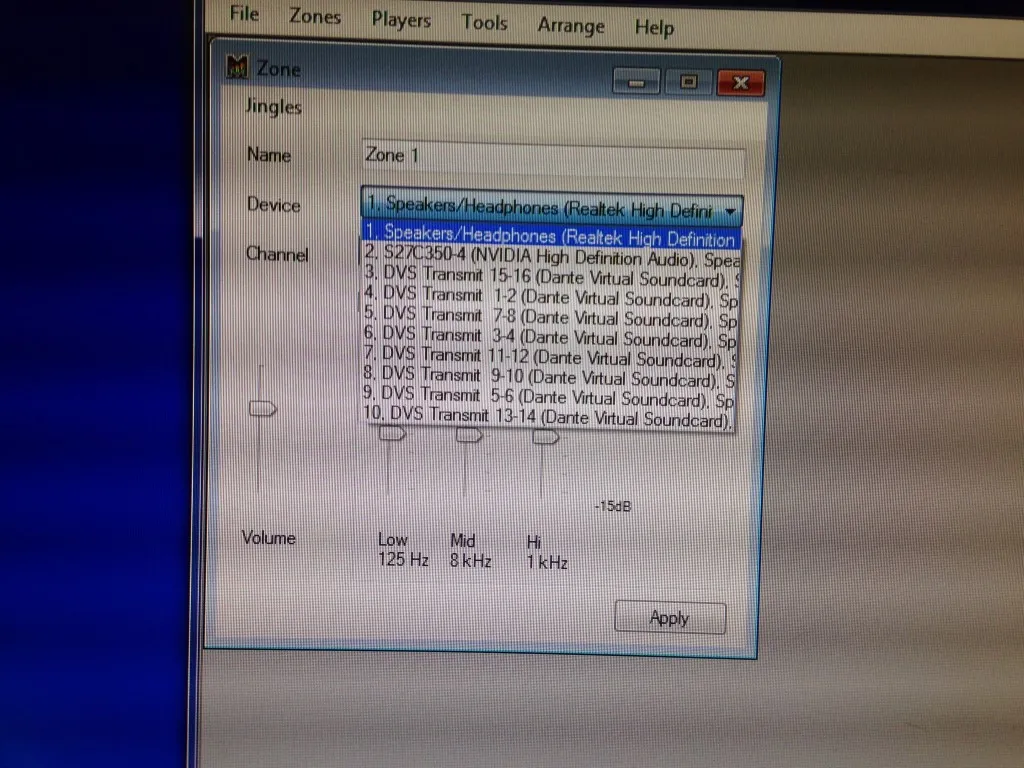
Continued to create total of 8 zones, each of the zone assigned a
Dante channel, in left and right configuration.
FIG E:
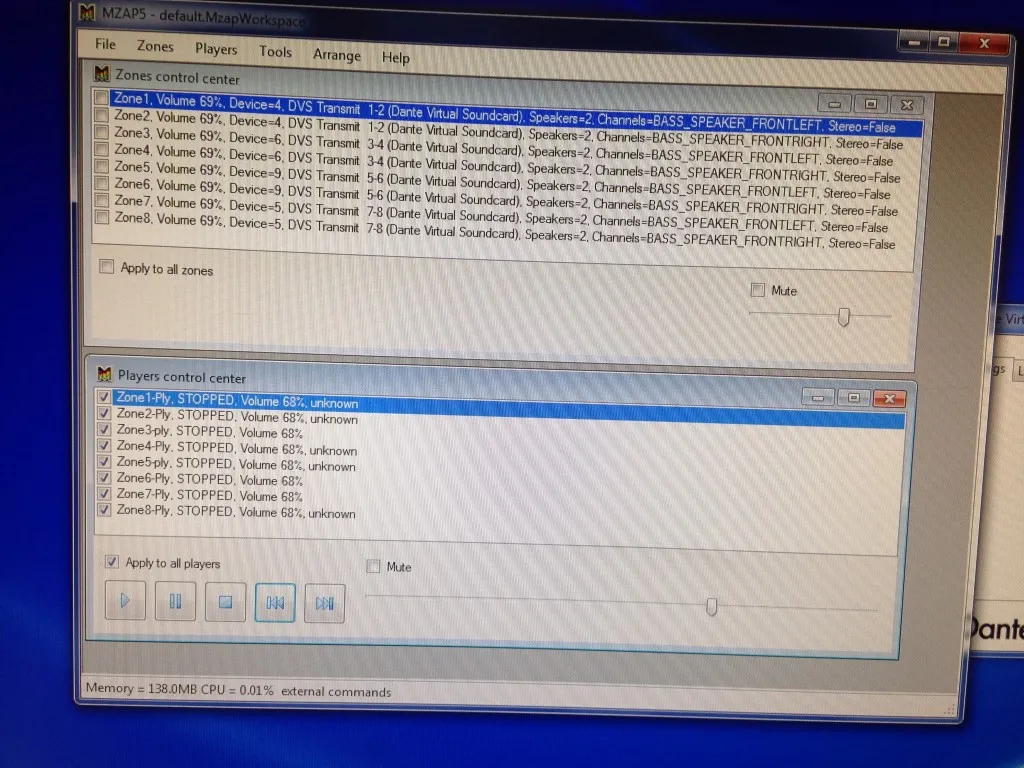
Under Player file menu, created 8 Zone Players:
Fig F:
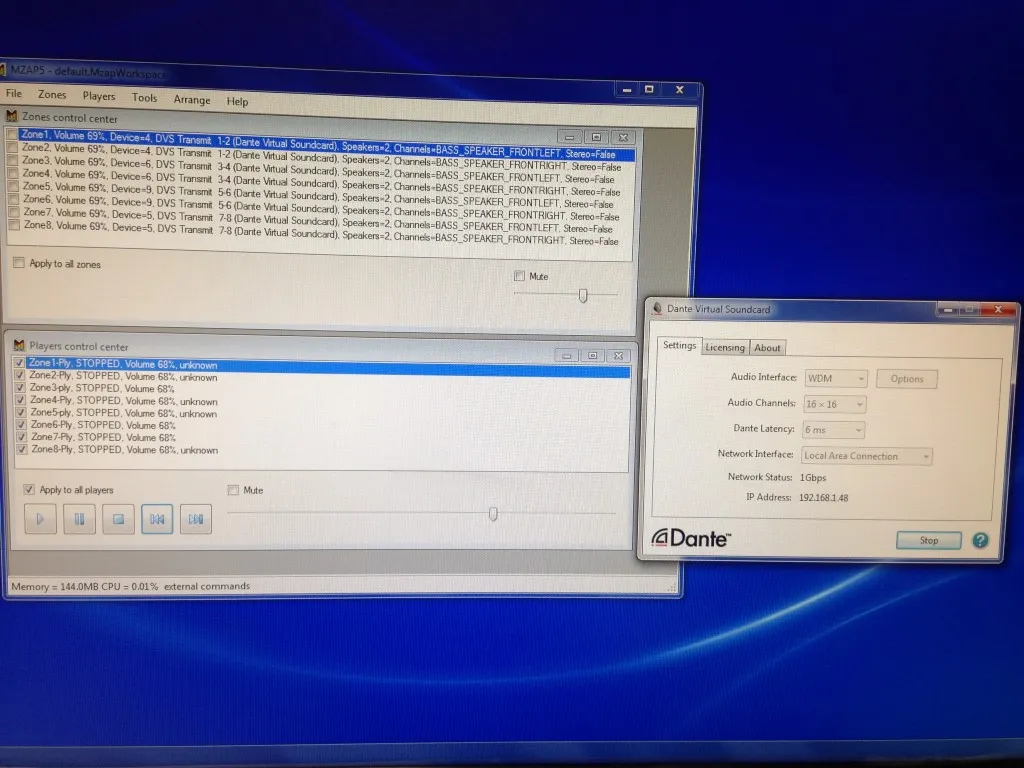
Launched the Dante Controller and assigned all 8 Players to Dante Flow ( total 8 Flow = 8 channels)
Fig G:
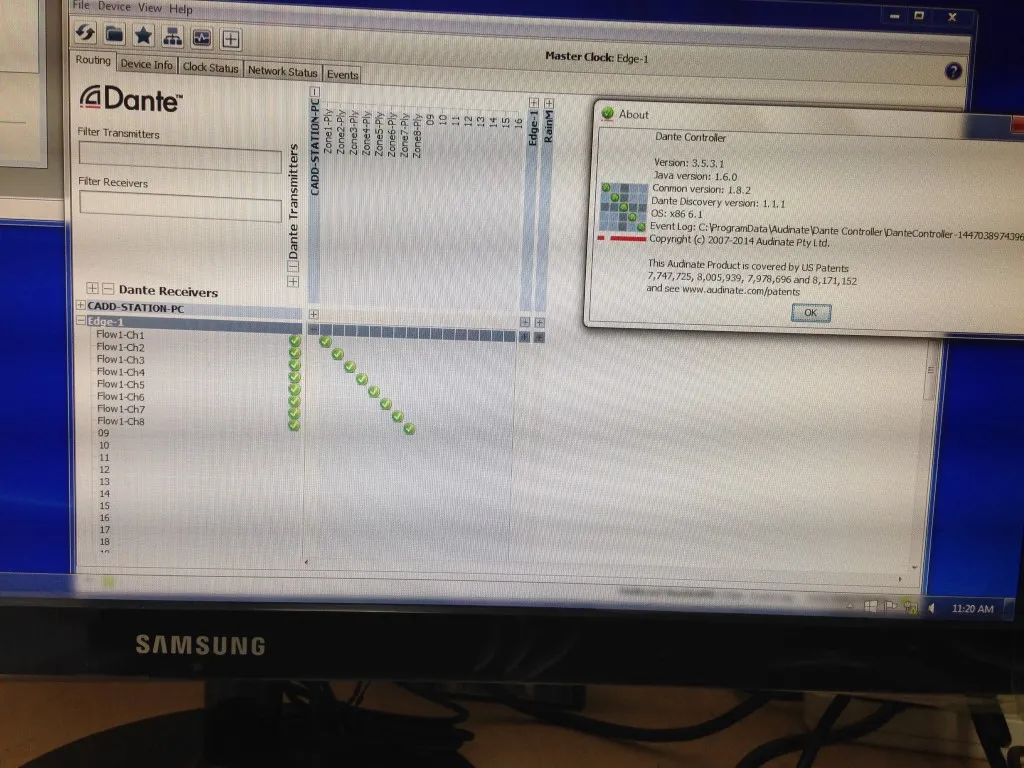
Fig H:
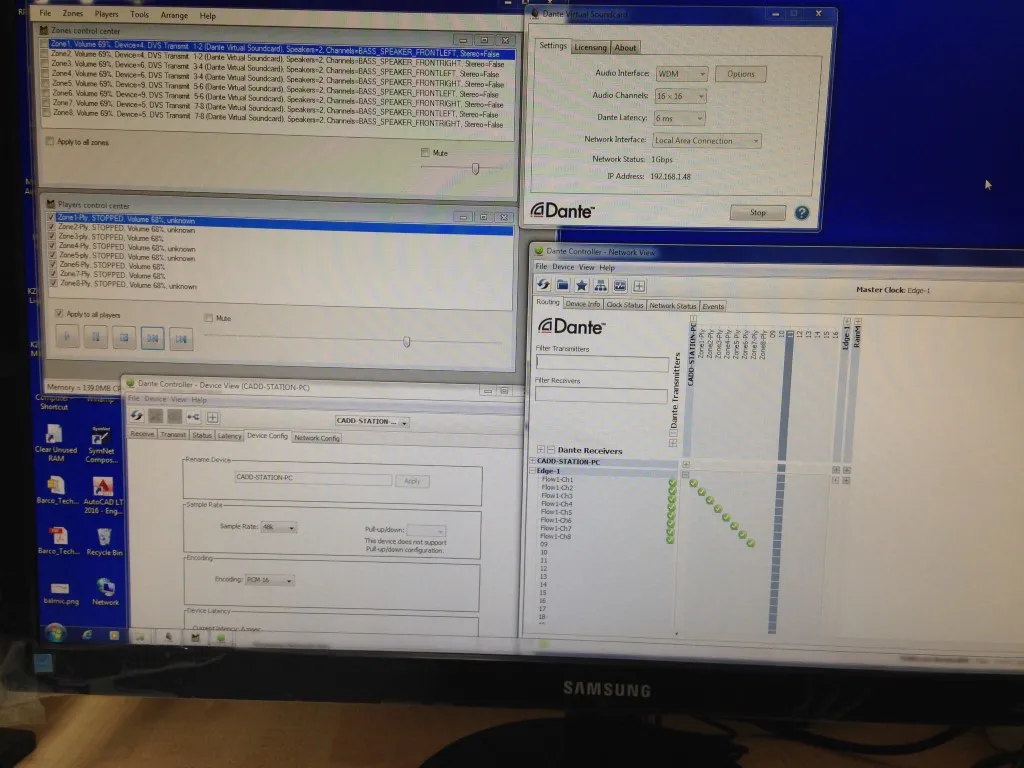
Fig I:
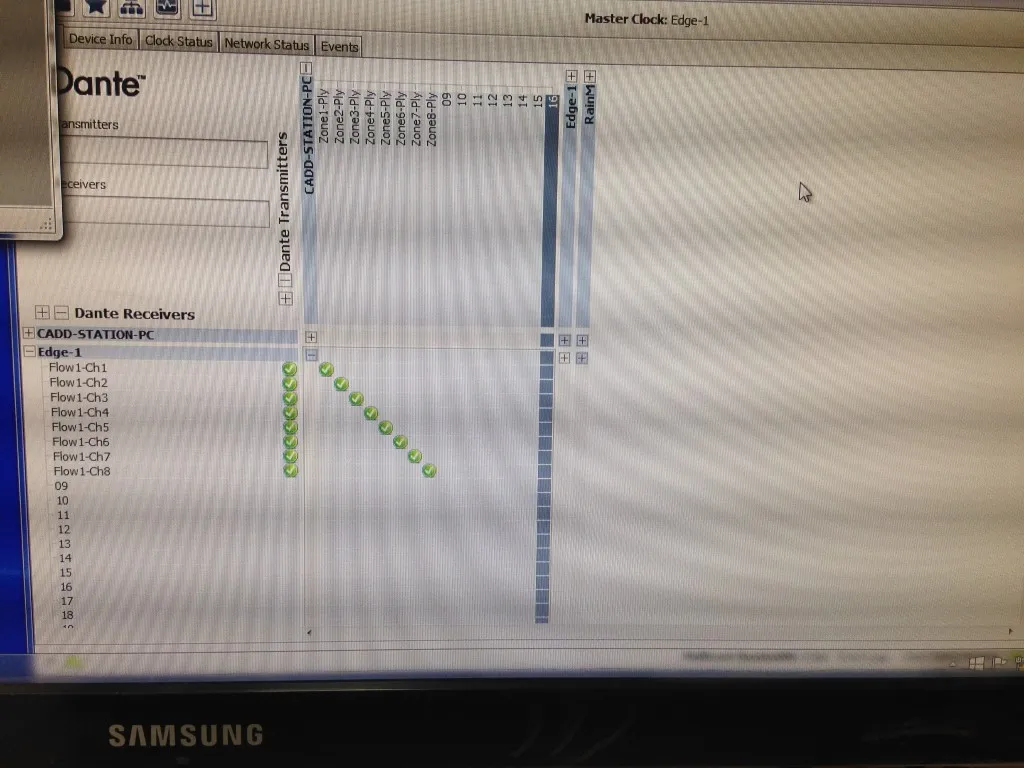
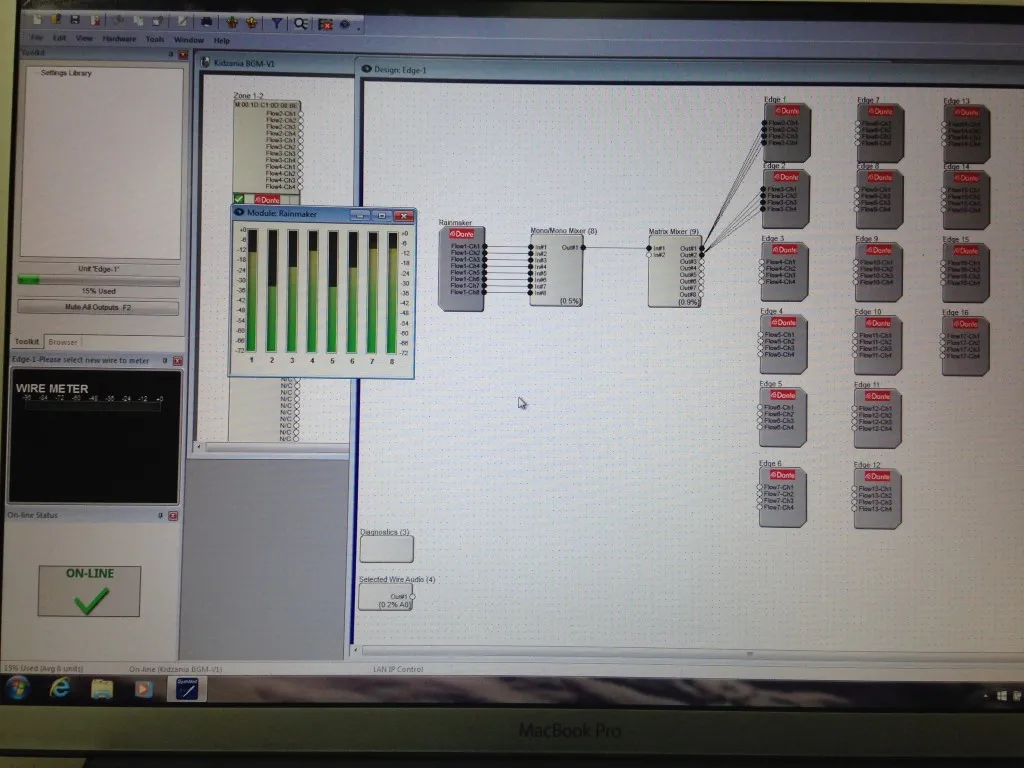
Launched Symetrix Composer software and configure a design file to take the Dante flow ( 8 Channels) from networked PC playing the Multi Room Audio Player 8 players
Fig J:
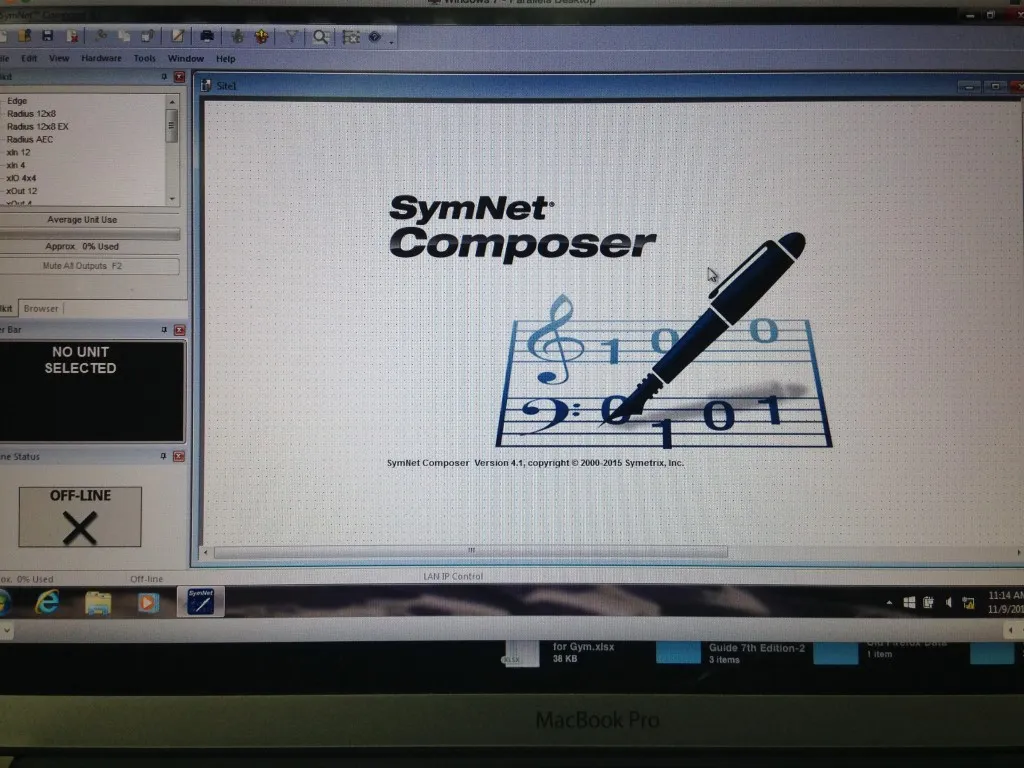
Fig K:
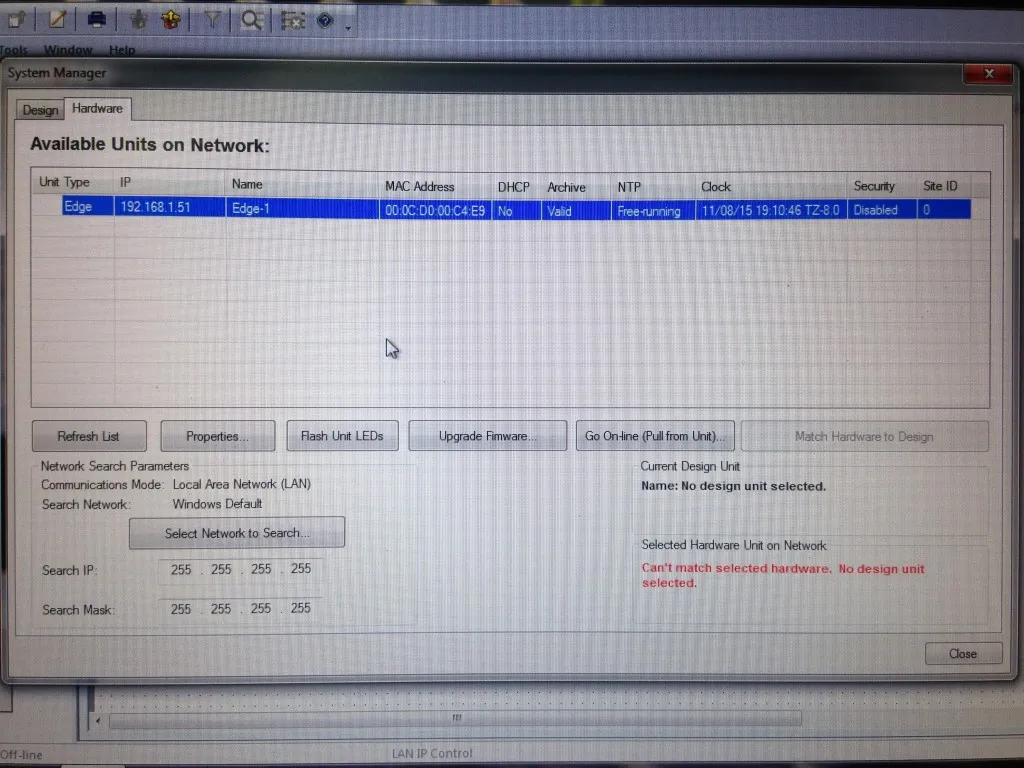
Fig L:
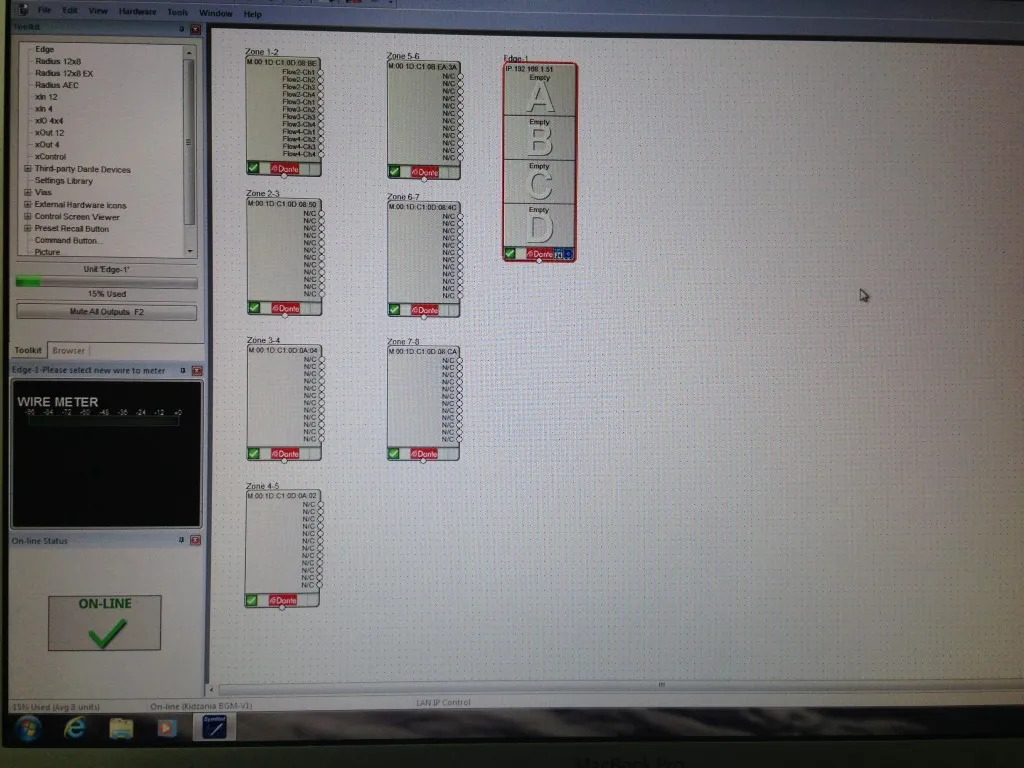
Played all the 8 Players
Fig M:
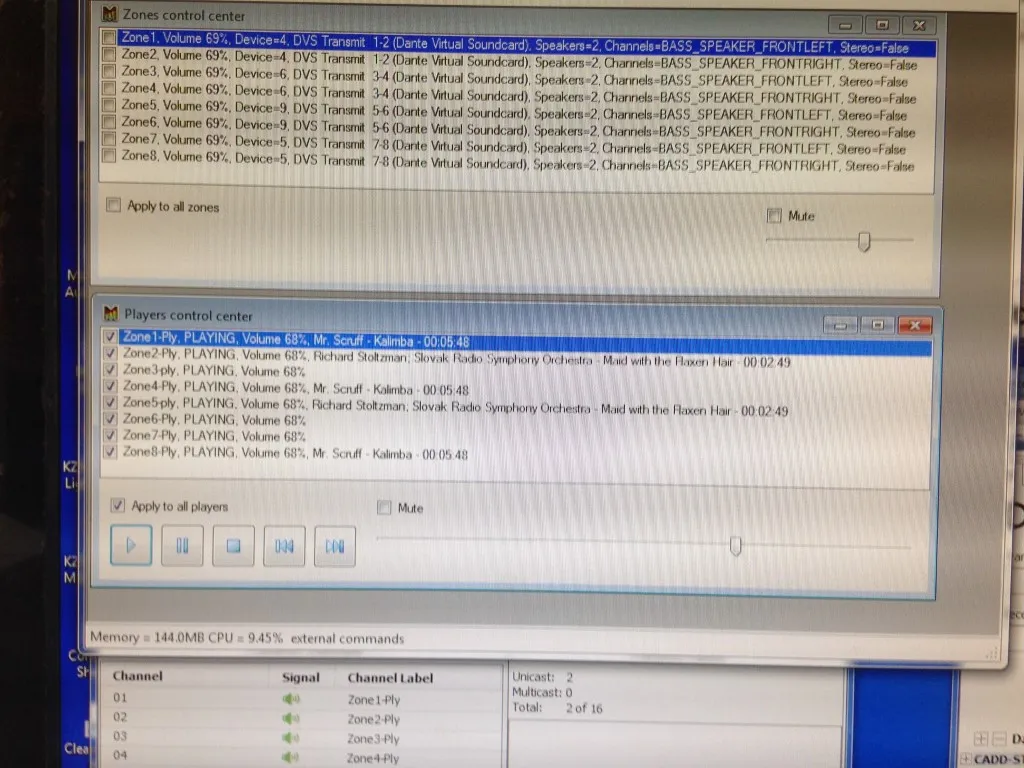
Fig N:
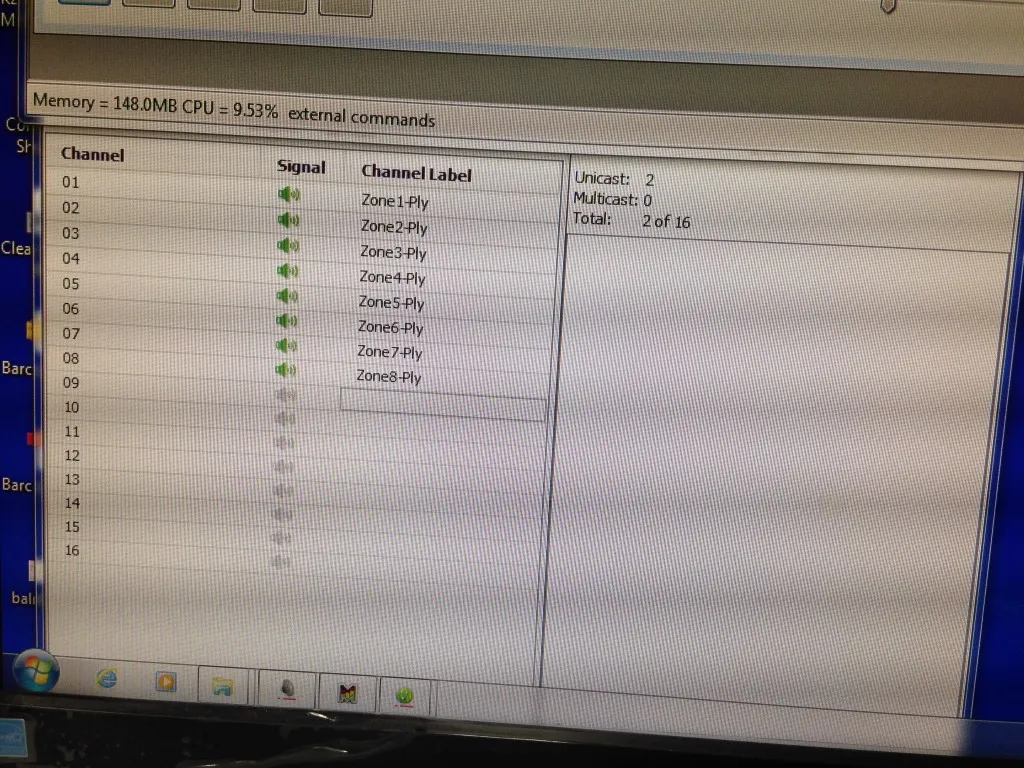
In Symetrix , all the 8 channels playback via Dante flow ( 1-8) can be monitored. These signal are routed to Symetrix Xout 12 (Channel 1-8)
Fig O:
Signal present indication can be seen on the Symetrix Xout 12
(8 yellow indicators)
Fig P:
Dante Virtual Card accepts either ASIO or WDM.
I tried with ASIO. It didn’t work.
The Audio Channel changed automatically to 2 x 2.
And under Device drop menu (in Multi Room Audio Player – Zone), the DVS interface selection is no longer available.
Fig Q:
Conclusion:
1. Multi Room Audio Player software does work with Dante Virtual Soundcard but only with WDM interface selected under Device menu.
2. Multi Room Audio Audio Player software does not support ASIO 🙁
Prepared: Kumar
Date: 9th Nov 2015