To connect amplifiers or speakers to the audio card, you’ll likely need a few Mini Jack to RCA cables or adapters.
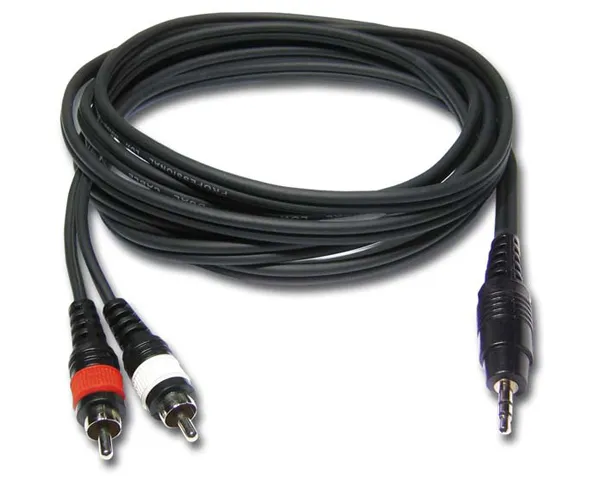
RCA to Mini Jack cable
Alternatively, you can use RCA to RCA cables with an adapter. It depends on the types of audio outputs and inputs.
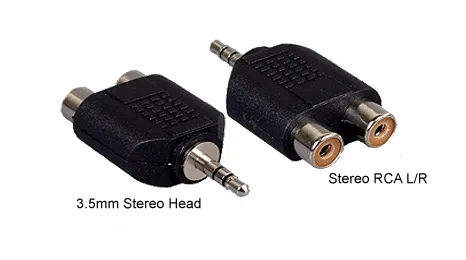
RCA to Mini Jack adapter
The general connection scheme is as follows:
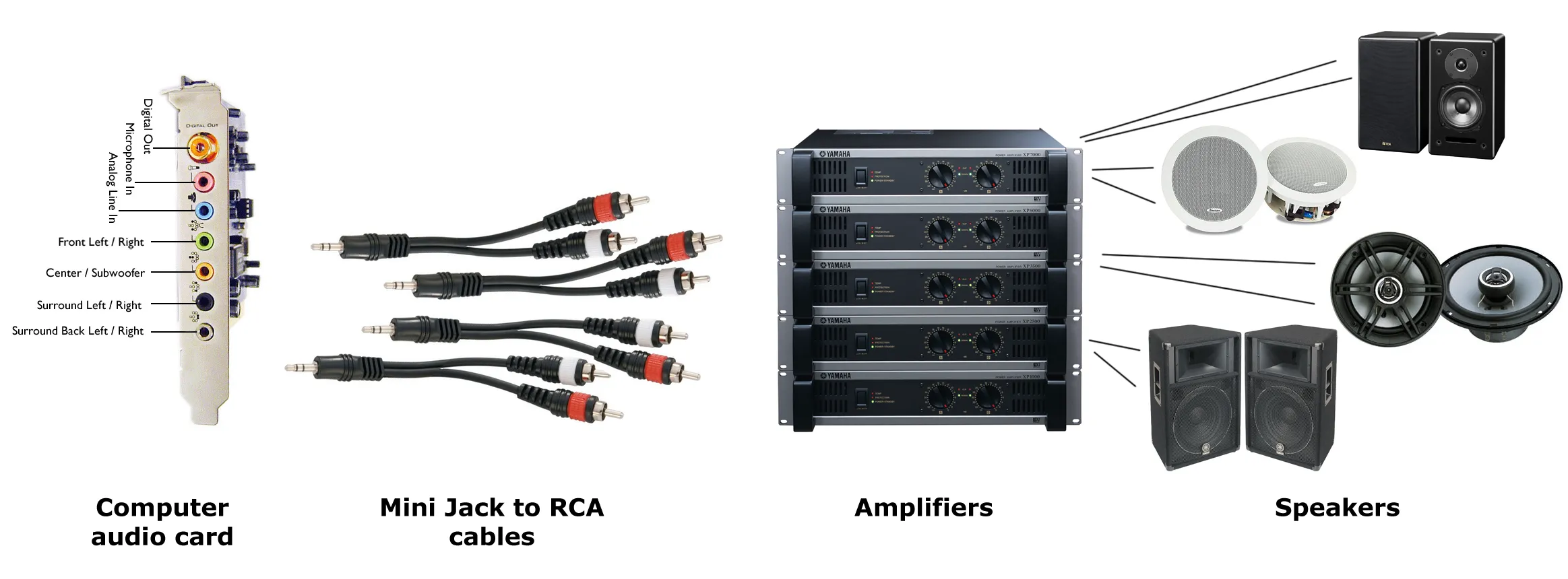
To connect a 5.1 audio card, you’ll need three of these cables. For a 7.1 sound card, at least four Mini Jack to RCA cables are required. If you’re using semi-professional or professional audio equipment, you may need different types of cables – such as those with Jack, RCA, or even XLR connectors. Always consult the manuals and instructions before making connections.
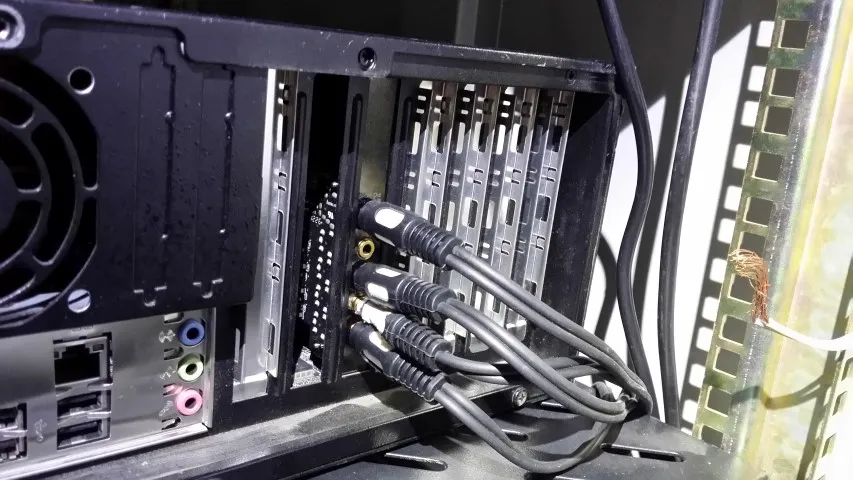
Connect sound card to amplifiers
If you’re using Bluetooth speakers, many of them can connect directly to your PC without the need for any cables. Simply pair the Bluetooth device in your operating system’s settings, and the audio will be transmitted wirelessly. Keep in mind, however, that Bluetooth may introduce a slight delay and is not always ideal for professional audio setups.
Another modern option is Dante, a professional solution that transmits high-quality audio over a standard Ethernet network. It allows multiple audio channels to be routed with low latency and high synchronization. Dante is especially useful in complex multi-room setups or professional installations. You can learn more about Dante integration in this article: Dante Audio on Multi Room Audio Player.
After everything is connected successfully, your audio rack might look like this:
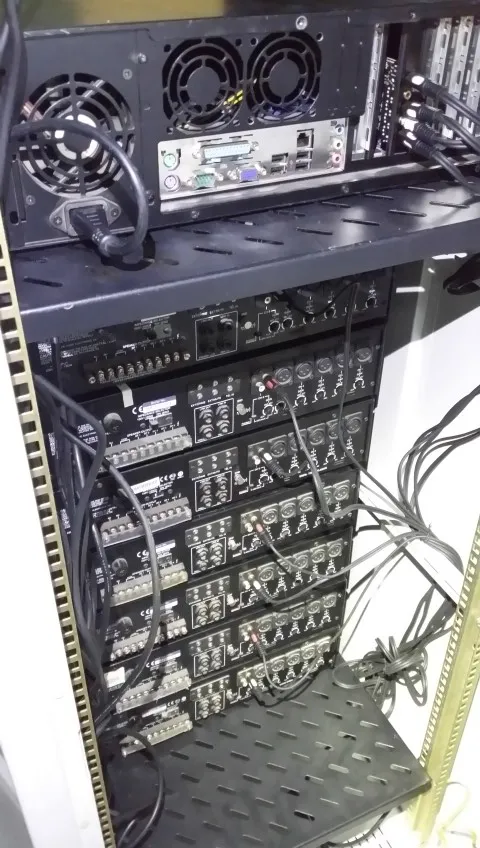
The audio rack